Bookkeeping Workspace: From Upload to Tagged Reports
Upload statements for bookkeeping analysis, fix currency if the detector is off, reconcile balances, review tags, chart totals, and export PDF or other report formats.

Reconciliation work is less about “AI magic” and more about clear numbers you can defend in a month when someone asks why rent does not match the bank.
The bookkeeping workspace is where FastStatement stretches from raw extraction into balance checks, tags, and exports your reviewer can read. Pair this page with the master screenshot guide if you want the whole app map.
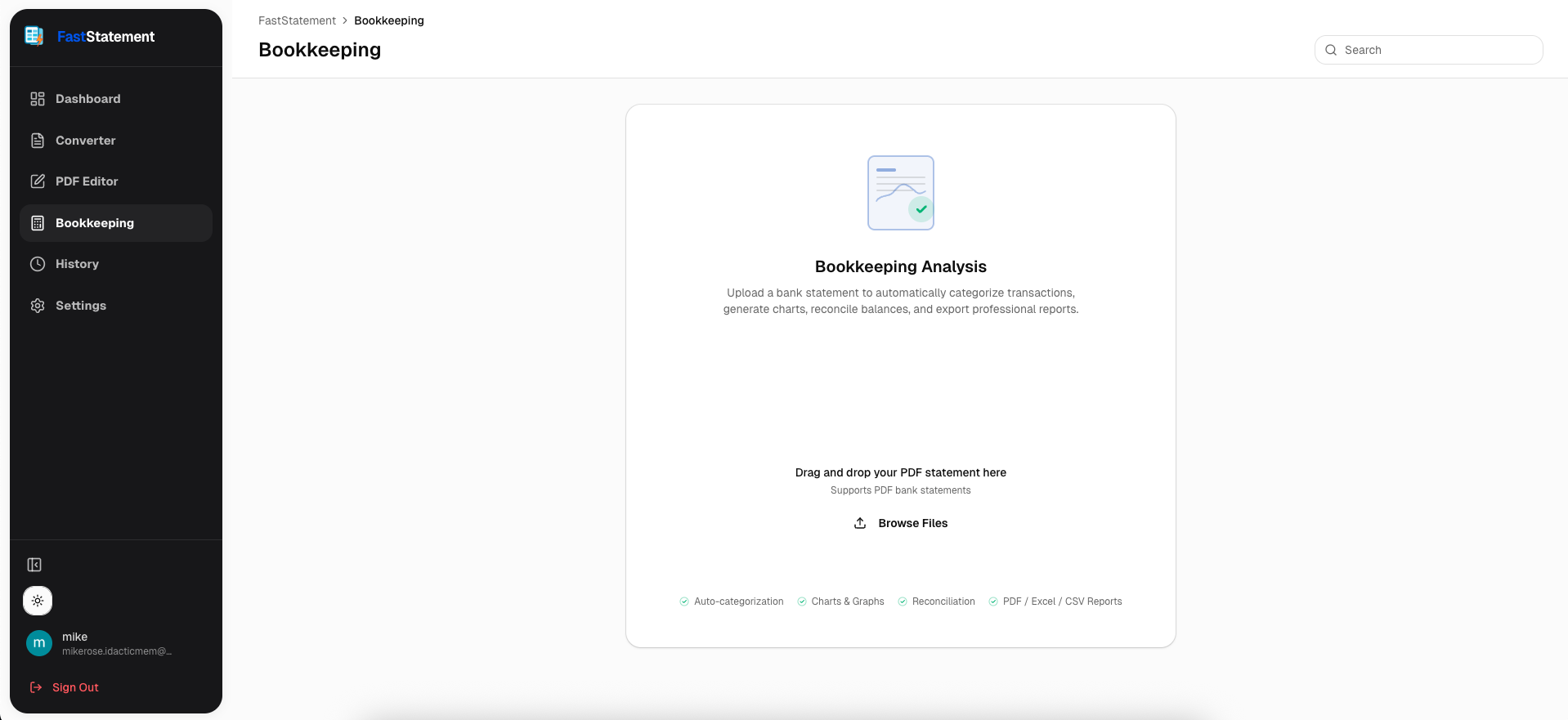
Choose files for analysis
Start from the bookkeeping entry point and select the statements that belong to the same period or entity you are closing.
Results: currency detection and running balances
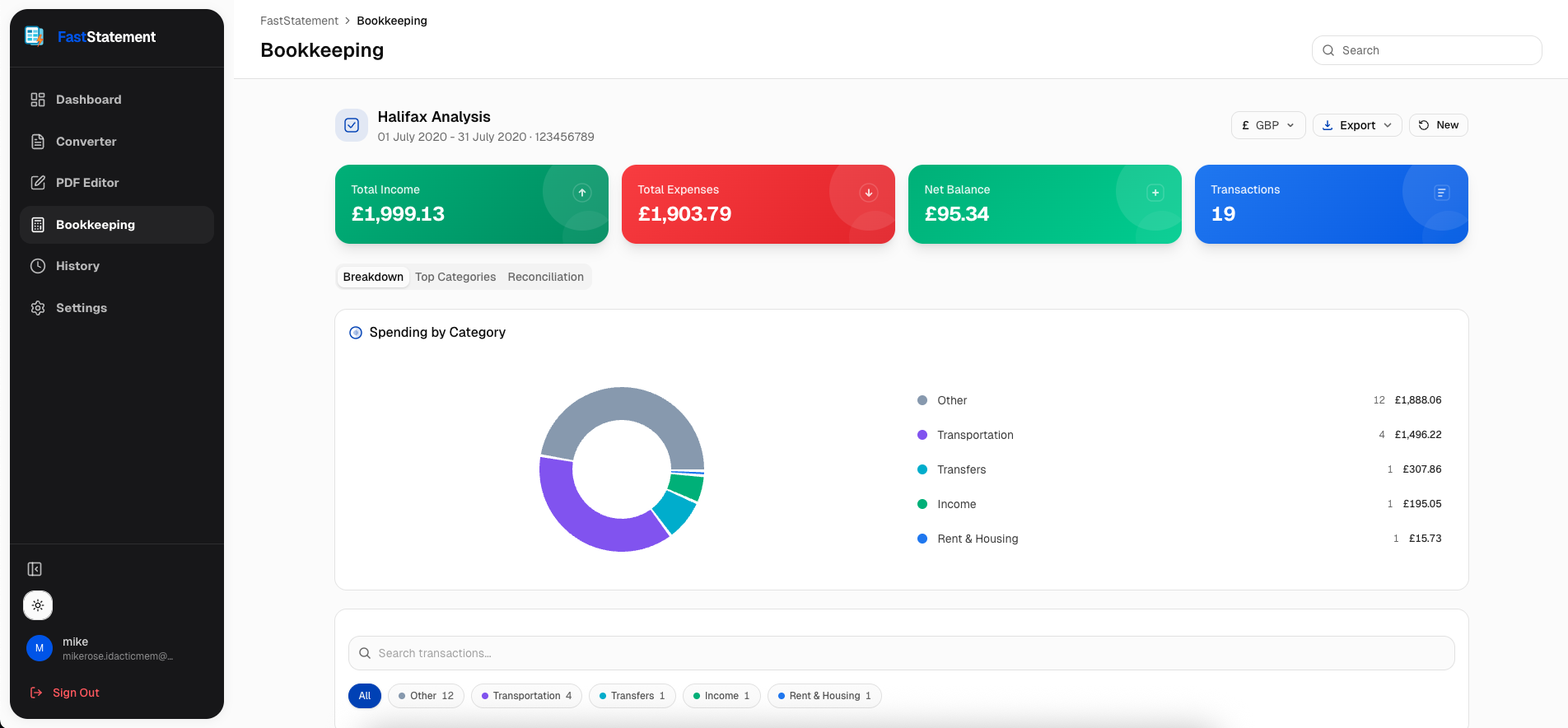
After processing, scan the headline totals. If currency looks wrong because the PDF mixed symbols or used an odd locale, fix it before you spend time tagging lines.
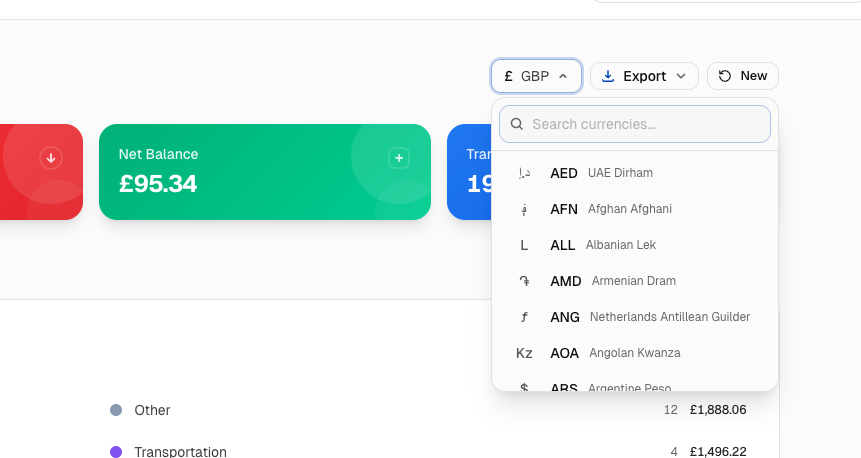
Override currency when needed
When the detector picks the wrong unit, switch it to what your books use. I treat this like changing a VAT rate on an invoice: do it early, not after you export.
Reconciliation view
Line up credits, debits, and running totals until the story matches the statement PDF you started from.
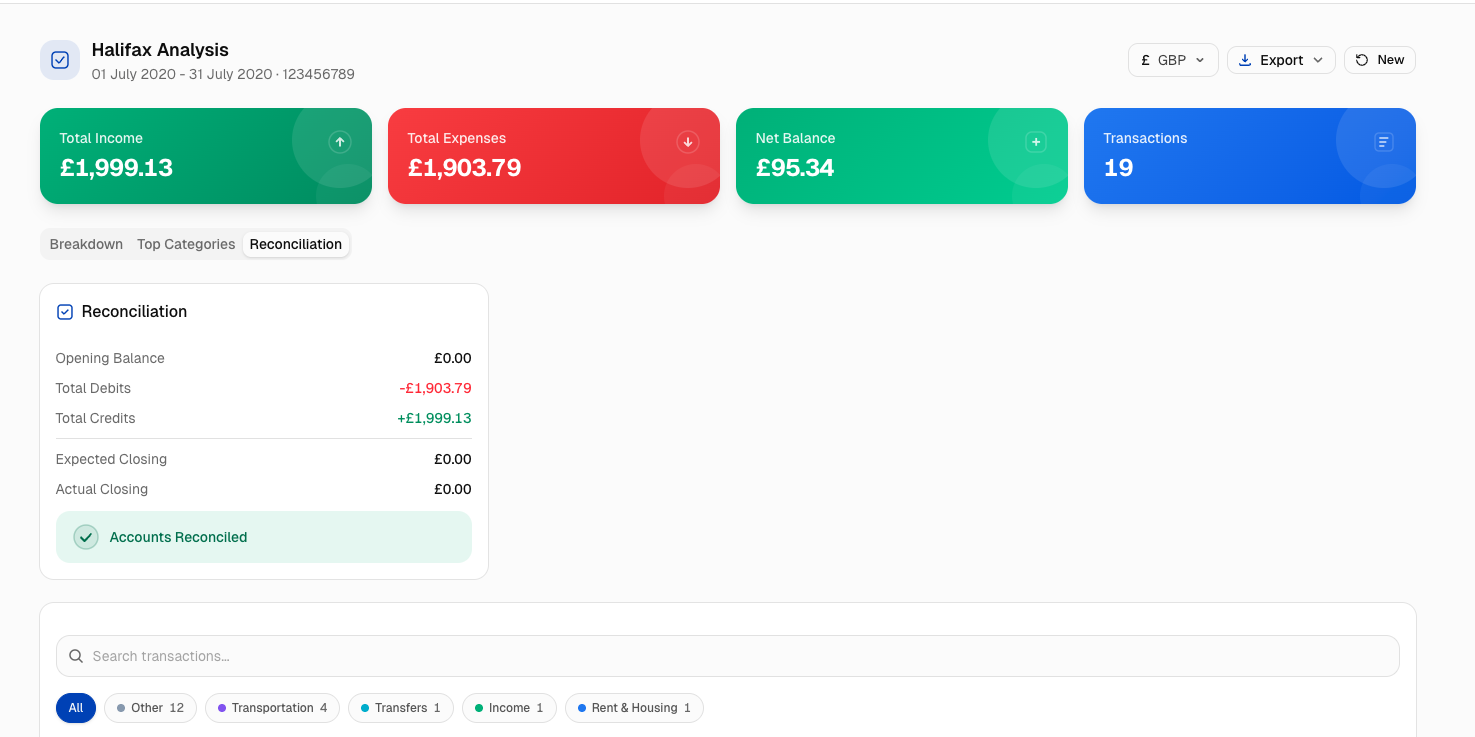
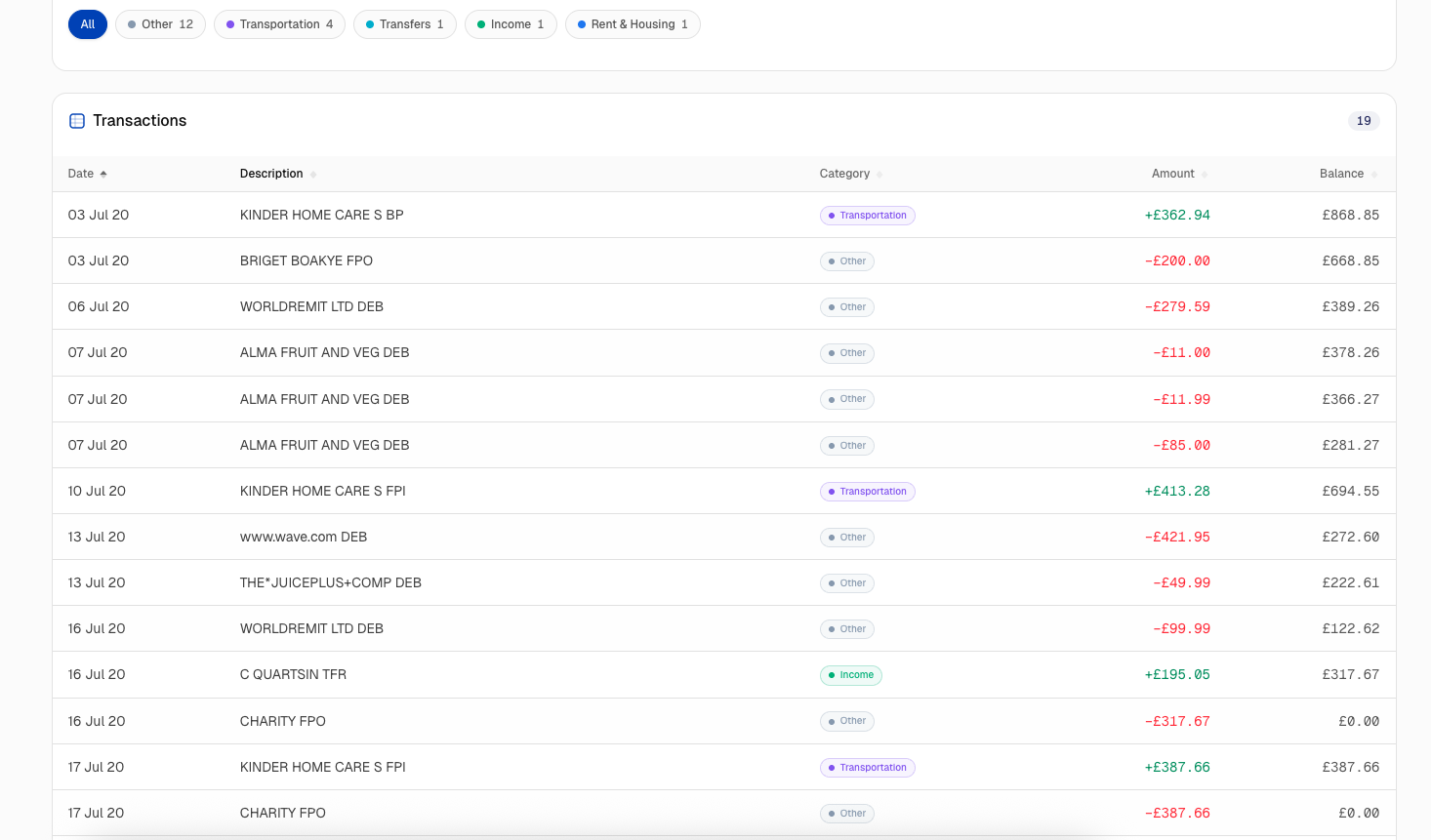
Tags and account detail
Tags turn a flat grid into something you can hand to a controller. Apply them while the transactions are still in context.
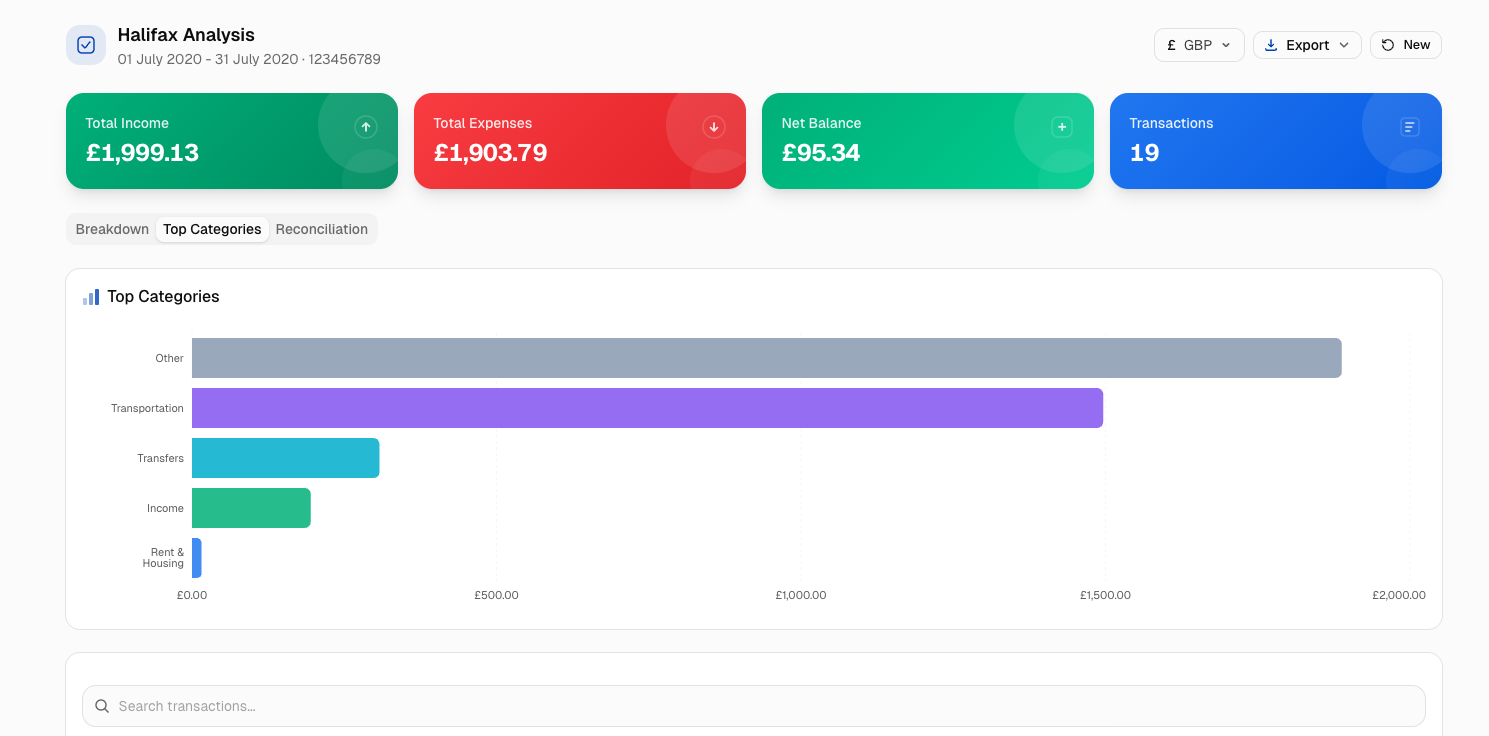
Charts for period totals
When you need to see concentration or category totals at a glance, switch into the graph formats the workspace exposes.
Export reports
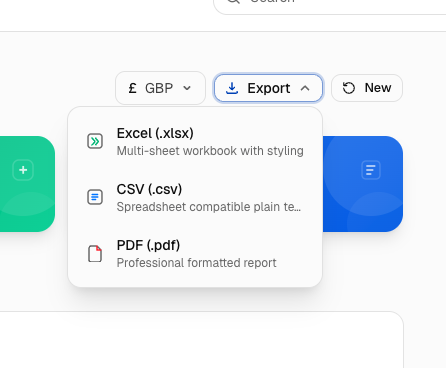
Download PDF or the other export types your firm standardizes on once you are satisfied with the numbers.